Game guide
Checkers guide: how to play, rules and tips
Checkers is a free classic board game you play in your browser on GamesGarden, on phone or laptop. You play against a friendly bot on an 8 by 8 board: move diagonally, jump to capture and reach the far row to be crowned. Ours follows the standard English rules, with four bot levels and an undo on the gentler two.
Play Checkers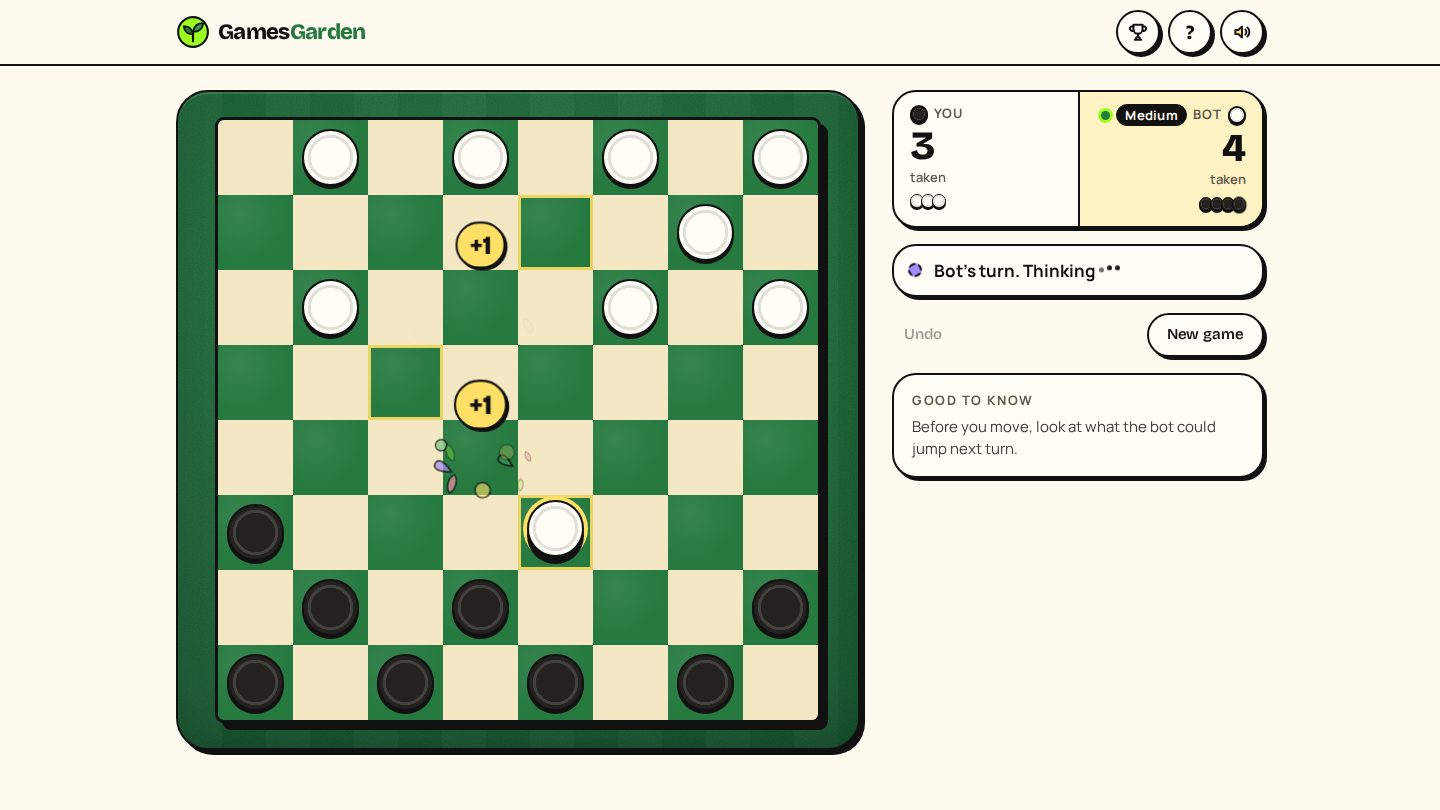
How to play
- Pick a level on the start screen: Easy, Medium, Hard or Expert.
- Choose your pieces. Dark goes first. Pick Light if you'd rather let the bot open.
- Tap Play. Your pieces always sit at the bottom of the board.
- On your turn, tap a piece with a ring, then a lime dot.
- If a jump is open, you must take it. For a double or triple jump, tap each landing square in turn until the move is done.
- Reach the far row and your piece is crowned a king.
- The bot thinks for a moment, then replies.
- The result card shows the pieces each side took and your record. Play again, change level or head home.
Rules that matter
- Only the dark squares are used. Each side starts with 12 pieces.
- Plain pieces move one step diagonally forward, onto an empty square.
- Captures are forced. If any of your pieces can jump, you must jump. Only the pieces that can jump get a ring.
- Keep jumping if you can. A multi-jump must be finished. If you have more than one way to capture, you choose which, and you don't have to pick the longest.
- Crowning ends the move. A piece that reaches the far row is crowned there and stops, even if it could keep jumping as a king.
- Kings move one step diagonally, forwards or backwards, and jump both ways. They don't fly across the board.
- How you win: take every bot piece, or leave the bot with no legal move. A blocked side loses too.
- Draws: the same position comes up three times, or 40 moves each go by with no capture and no plain piece moving.
Tips and strategy
- Look before you leap. Check what the bot could jump next turn. Because captures are forced, one careless step can hand over two pieces.
- Use forced captures as a weapon. The bot must jump too. Sometimes giving one piece away pulls a bot piece into place for your double jump.
- Hold your back row. Keeping your home row filled as long as you can stops the bot from getting kings.
- Hug the edges. A piece on a side edge can't be jumped, so the edges make a safe wall.
- Build in threes. Two pieces side by side, backed up by a third, are hard to break.
- Trade when you're ahead. Fewer pieces make your lead count more. Keep kings in the middle, not on the edge.
Modes and levels
Checkers is you against the bot, with four levels:
- Easy: a gentle start. The bot eases off when it's ahead and tries harder when it's behind, so games stay close.
- Medium: a real opponent that still slips now and then.
- Hard: looks further ahead and slips far less.
- Expert: searches deep for about half a second a move. The real test.
Undo is there on Easy and Medium only: it takes back your move and the bot's reply. The start screen shows your record on each level (wins, losses and draws), and an unfinished game is picked up where you left it on the same device.
Controls
On a phone
- Tap a ringed piece, then tap a lime dot to move.
- For a multi-jump, tap each landing square in turn.
- Tap Undo (Easy and Medium) to take back your move and the bot's reply.
- Tap the ? button for the rules card.
On a laptop
- Click a ringed piece, then click a lime dot. Or drag a piece onto its square with the mouse.
- Press Escape to close the rules card.
Questions and answers
Is Checkers free?
Yes. Checkers on GamesGarden is free to play in your browser, with no download.
Can I play Checkers on my phone?
Yes. Checkers works on phone and laptop, sized for thumbs.
Do I need an account to play Checkers?
No. You can play Checkers without signing up. Add an optional garden name (no email, no password) to put your wins on the leaderboards, and a 12-character garden key restores your name and points on another device. Each finished game is checked by the server replaying the match before it counts.
Do you have to jump in Checkers?
Yes. In our Checkers, captures are forced: if a jump is open, you must take it, and you finish a multi-jump once you start it.
Who moves first in Checkers?
Dark moves first. In GamesGarden Checkers you can play Dark and open the game, or pick Light and let the bot go first.
How do kings move in Checkers?
Kings move one step diagonally in any direction and can jump backwards as well as forwards. A piece that is crowned stops there for that turn.
Ready to play?
Checkers is free in your browser, with no download and no sign-up.
Play Checkers